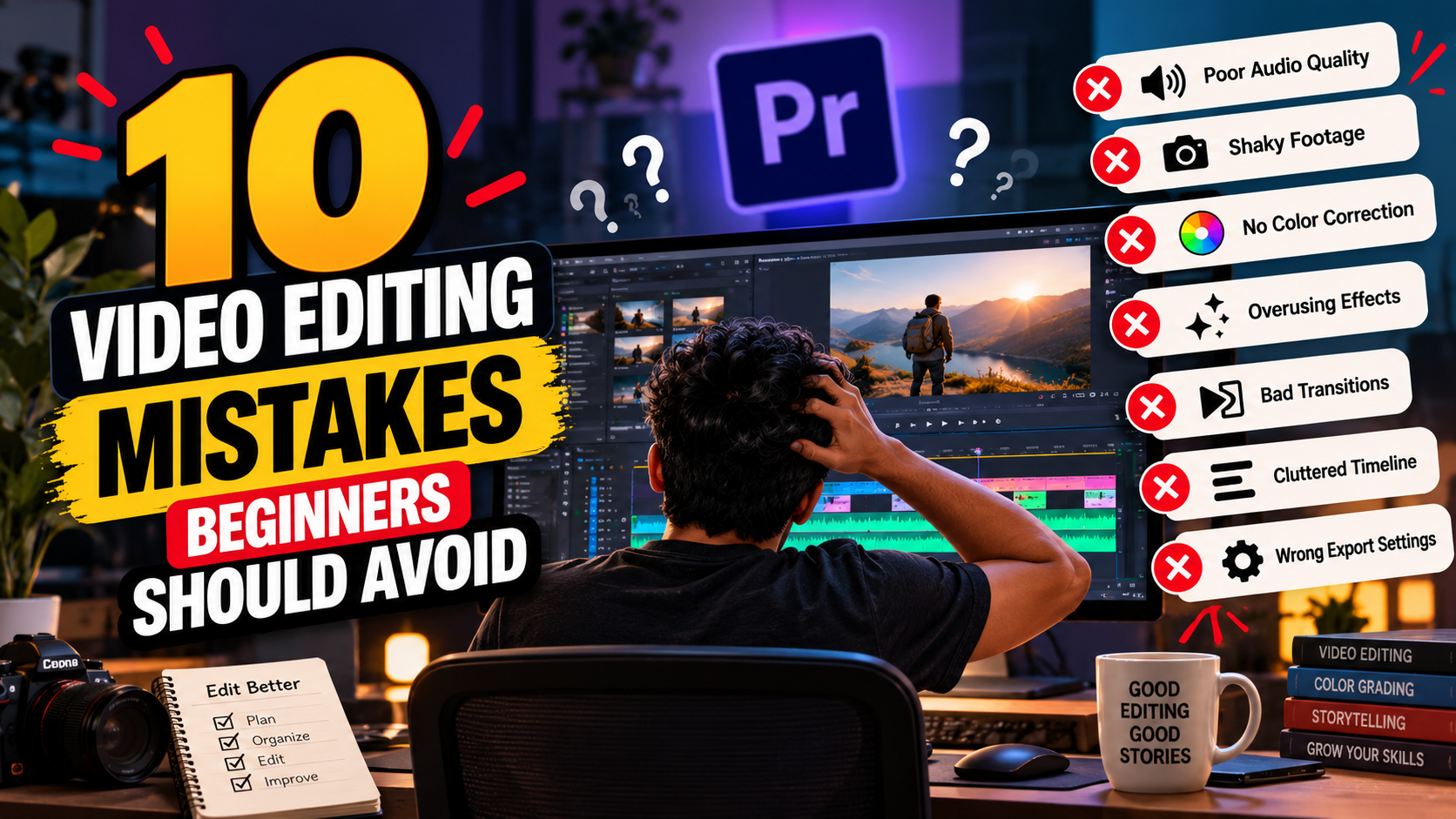
Learning video editing is exciting. You discover new transitions, experiment with effects, explore color grading, and begin transforming ordinary footage into engaging videos.
But there’s one challenge almost every beginner faces: knowing which editing techniques actually improve a video and which ones make it look less professional. A video can contain impressive effects and still feel amateurish if the storytelling is weak, the audio is distracting, or the cuts interrupt the viewer’s experience.
The good news? Most beginner mistakes are easy to recognize and correct once you know what to look for.
1. Using Too Many Transitions
Transitions can make a video more dynamic, but using a different transition between every clip can distract viewers from the story.
- Use simple cuts when they communicate the scene clearly.
- Choose transitions that match the video’s mood.
- Use creative transitions only when they serve a purpose.
- Maintain a consistent visual style throughout the video.
2. Ignoring Audio Quality
Viewers may tolerate a simple visual style, but distracting audio can make them stop watching. Common problems include background noise, inconsistent dialogue volume, overpowering music, and sudden changes in sound levels.
- Balance dialogue and background music.
- Remove distracting noise where possible.
- Add sound effects only when they support the scene.
- Use headphones to identify audio problems.
- Check your final video on different speakers or headphones.
3. Making Cuts Without Considering Storytelling
A technically clean edit can still feel boring if the sequence has no clear purpose. Every scene should help communicate information, establish emotion, develop an idea, or move the story forward.
- Ask what the audience should understand.
- Identify essential moments.
- Adjust pacing to suit the story.
- Remove material that adds no useful meaning.
4. Overusing Slow Motion
Slow motion can make action feel dramatic, but using it everywhere quickly becomes repetitive. Use it to emphasize a moment, reveal movement, or create a deliberate change in pace. Consider the footage frame rate to avoid choppy motion.
5. Applying Unnatural Color Grading
Excessive saturation, crushed shadows, unrealistic skin tones, and inconsistent exposure can make footage look unnatural.
- Correct exposure and white balance.
- Match shots from different cameras or lighting conditions.
- Adjust contrast and saturation carefully.
- Apply a creative look that supports the story.
- Review skin tones and highlights before exporting.
6. Using Inconsistent Text and Fonts
Too many fonts, inconsistent text sizes, poor contrast, and badly positioned titles can make a video look unorganized. Choose a small set of complementary fonts and maintain a clear hierarchy for titles, subtitles, and supporting information.
7. Ignoring the First Few Seconds
Online audiences often decide quickly whether a video deserves their attention. Start with a relevant moment or clear message, remove unnecessary pauses, and give viewers a reason to continue watching without misleading them.
8. Poor Project Organization
Disorganized files waste time and create problems when a project needs revisions. Use clearly named folders for footage, audio, graphics, project files, exports, and other assets.
- 01_Footage
- 02_Audio
- 03_Graphics
- 04_Project_Files
- 05_Exports
9. Exporting With the Wrong Settings
Before exporting, check resolution, aspect ratio, frame rate, video codec and bitrate, audio settings, platform requirements, and whether the exported file plays correctly.
10. Learning Techniques Without Practicing
Watching tutorials can introduce useful techniques, but repeatedly consuming lessons without applying them limits progress. After learning a new skill, create a small project, review the result, identify weaknesses, and try again.
A Simple Checklist Before Delivering Any Video
- Does the video communicate its message clearly?
- Are the cuts smooth and purposeful?
- Is the dialogue easy to understand?
- Are music and sound effects balanced?
- Do the colors look consistent?
- Are titles readable?
- Is the pacing appropriate?
- Are the export settings correct?
- Have I watched the entire exported video?
Learn Professional Editing Habits with Plan At B
At Plan At B, our approach to video editing emphasizes practical projects and the development of professional workflows. Learning to identify mistakes, revise your work, and improve each edit is an important part of becoming a capable editor.
Final Thoughts
You don’t need complicated effects or expensive equipment to create impressive videos. You need a clear understanding of storytelling, good editing decisions, consistent practice, and attention to detail. Avoid these common mistakes, review your work critically, and treat every project as an opportunity to improve.
Start practising with Plan At B and turn your editing knowledge into practical creative skills.