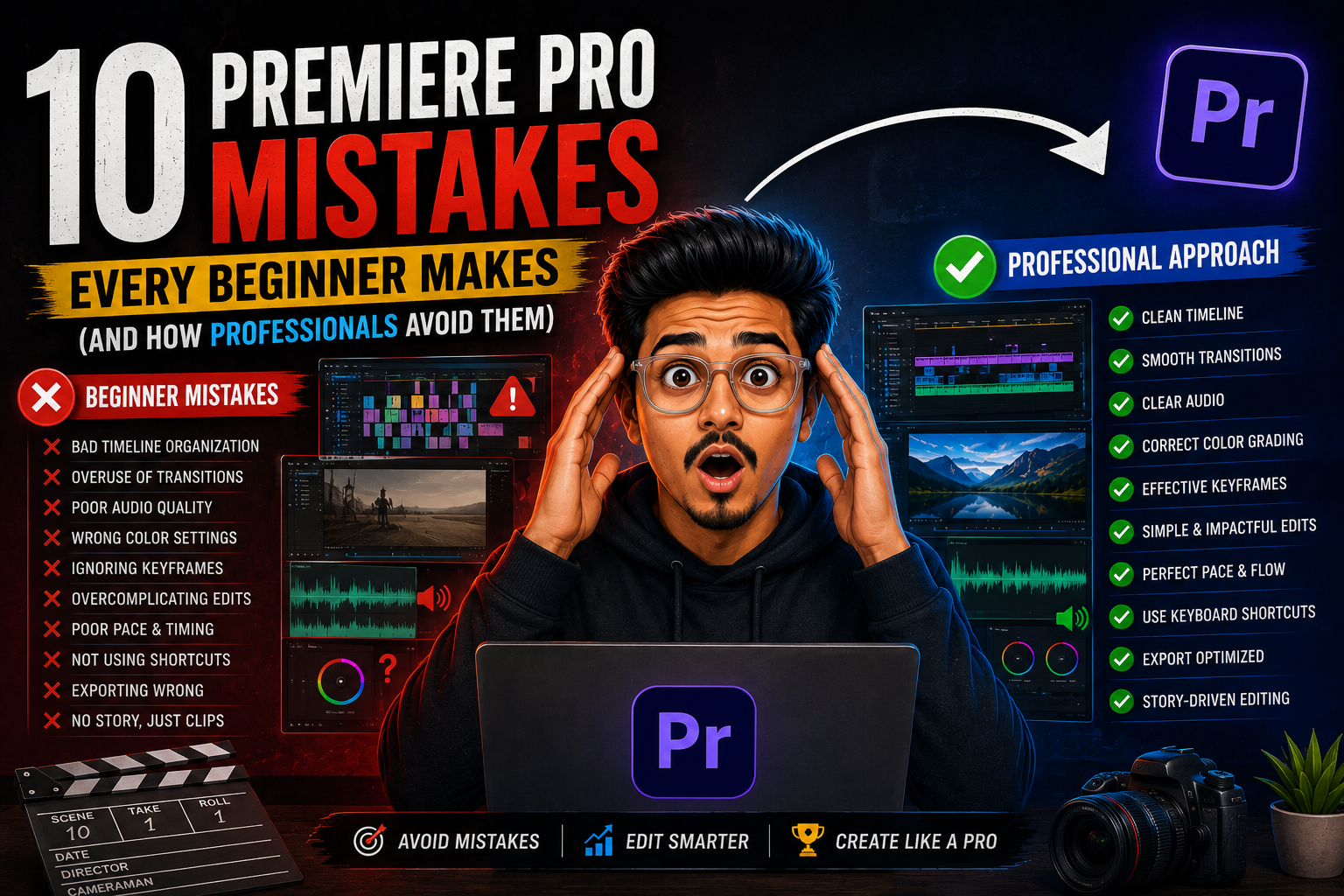
Great editing isn’t about knowing every tool—it’s about avoiding the mistakes that make your videos look amateur.
Every aspiring video editor dreams of creating cinematic videos, smooth transitions, and engaging stories. They download Adobe Premiere Pro, watch a few tutorials, learn some shortcuts, and begin editing.
But here’s the reality: most beginners don’t struggle because they lack creativity. They struggle because they develop poor editing habits from day one.
Professional editors know that great videos are not built through flashy effects or hundreds of transitions. They are created through organization, storytelling, rhythm, and technical precision.
If you are starting your journey with Premiere Pro, avoiding these common mistakes can save you months of frustration and dramatically improve your editing quality.
1. Starting a Project Without Organizing Your Files
One of the biggest beginner mistakes happens before editing even starts.
Many new editors import dozens of clips directly into Premiere Pro without creating folders or naming files properly. A small project may seem manageable, but larger projects quickly become chaotic.
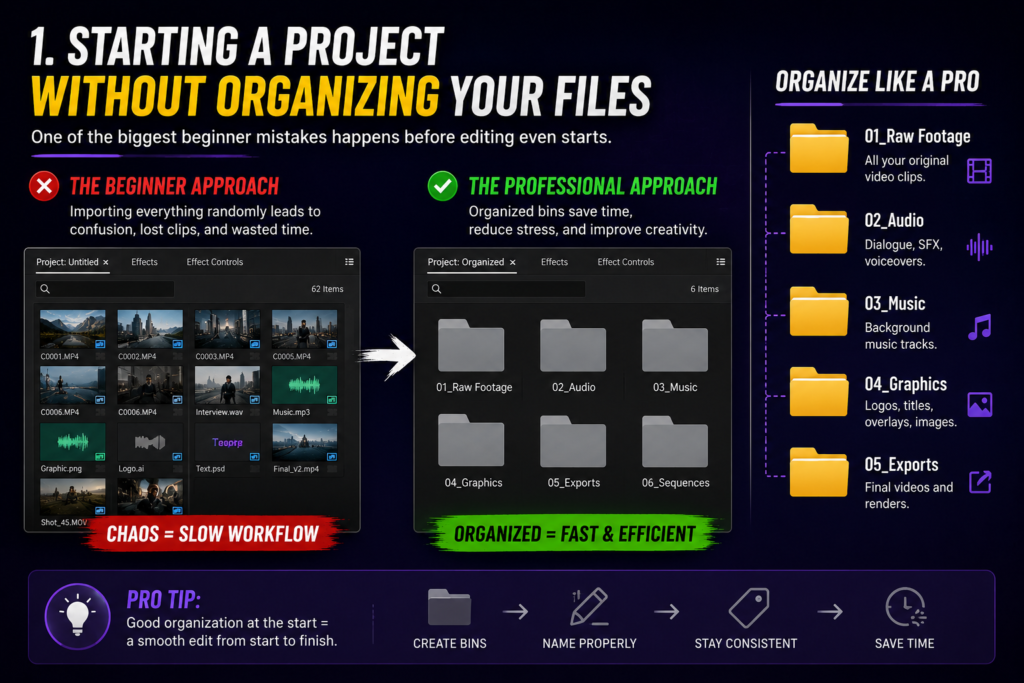
Professional editors organize their workflow using bins for:
- Raw footage
- Audio files
- Music
- Graphics
- Exports
A clean project means faster editing, fewer mistakes, and less time searching for missing files.
Remember: A professional timeline starts with professional organization.
2. Using Too Many Transitions and Effects
Every beginner loves transitions. Zooms, spins, glitches, flashes, and countless presets may look exciting at first. However, overusing them often distracts the audience from the actual story. Professional editors follow a simple rule:
If an effect does not improve the emotion or understanding of a scene, it probably doesn’t need to be there.
Most films and high-quality videos rely primarily on simple cuts because the story itself keeps viewers engaged.
3. Ignoring Audio Quality
Many beginners focus only on visuals and forget that audio is half of the viewing experience. A beautifully edited video with poor audio can instantly feel unprofessional.
Common audio mistakes include:
- Background noise
- Uneven volume levels
- Music overpowering dialogue
- Abrupt audio cuts
Learning basic audio cleanup, proper mixing, and using smooth audio fades can instantly elevate your work. A viewer may forgive a slightly imperfect shot, but they rarely tolerate bad sound.
4. Editing Without Understanding the Story
Beginners often place clips in the order they were recorded. And professionals edit with intention. Every cut should answer a question:
“Does this moment move the story forward?”
Whether you are editing a vlog, advertisement, documentary, or short film, strong storytelling determines whether people keep watching. The best editors are not just technicians—they are storytellers.
5. Not Learning Keyboard Shortcuts
Editing with only a mouse is like trying to drive a race car in first gear. But Premiere Pro has powerful shortcuts that can drastically increase your speed.
Some essential shortcuts include:
- C – Razor Tool
- V – Selection Tool
- Spacebar – Play/Pause
- Ctrl/Cmd + K – Add Edit
Professionals rely on shortcuts because efficiency allows them to spend more time making creative decisions.
6. Creating a Messy Timeline
A disorganized timeline is a common sign of an inexperienced editor. Clips stacked randomly, unnamed audio tracks, and confusing layers make revisions difficult.
Professional editors maintain clean timelines by:
- Labelling tracks
- Separating music, dialogue, and effects
- Removing unused clips
- Keeping sequences organized
Your timeline is your workspace—keep it clean.
7. Using the Wrong Sequence Settings
Many beginners import footage and start editing without checking their sequence settings. A mismatch between your footage and timeline can lead to issues like the following:
- Incorrect frame rates
- Poor playback performance
- Unwanted black bars
- Reduced export quality
Always understand your footage resolution, aspect ratio, and frame rate before beginning a project.
8. Depending Too Much on Presets
Transitions, color grades, and effect presets can speed up your workflow. But totally relying on them without understanding how they work limits your growth.
Professional editors study concepts like the following:
- Colour correction
- Motion principles
- Timing and pacing
- Visual consistency
Presets are tools—not replacements for skill.
9. Skipping the Review Process
Many beginners export their video immediately after finishing the first edit. But professionals know the first version is rarely the final version. So, before exporting, watch your project again and check for:
- Mistimed cuts
- Audio errors
- Spelling mistakes
- Colour inconsistencies
- Unnecessary scenes
A second review often reveals details you missed during editing.
10. Focusing on Software Instead of Editing Principles
Many beginners believe mastering Premiere Pro automatically makes them a great editor. The truth is that software is only a tool. A great editor understands:
- Storytelling
- Emotion
- Audience psychology
- Pacing
- Composition
- Sound design
The principles of editing remain valuable no matter which software you use—Premiere Pro today or something else tomorrow.
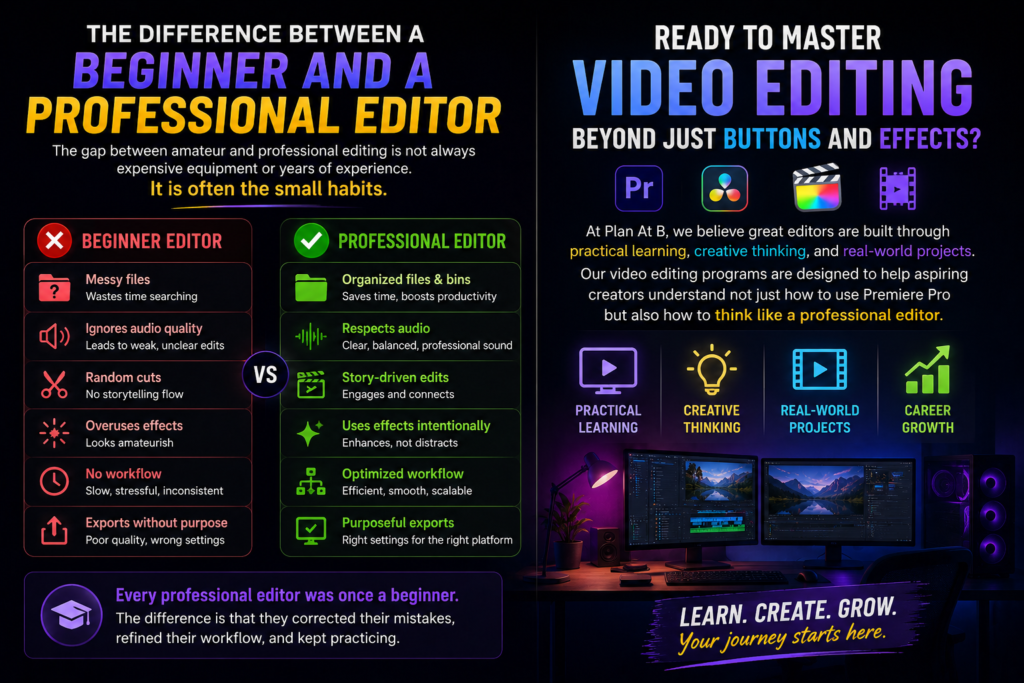
The Difference Between a Beginner and a Professional Editor
The gap between amateur and professional editing is not always expensive equipment or years of experience. It is often the small habits: organizing files, respecting audio, understanding storytelling, and making intentional creative choices.
Every professional editor was once a beginner. The difference is that they corrected their mistakes, refined their workflow, and kept practicing.
Ready to Master Video Editing Beyond Just Buttons and Effects?
At Plan At B, we believe great editors are built through practical learning, creative thinking, and real-world projects. Our video editing programs are designed to help aspiring creators understand not just how to use Premiere Pro but also how to think like a professional editor.
Start your journey from beginner to industry-ready editor with Plan At B and turn your creativity into a powerful career.