Introduction
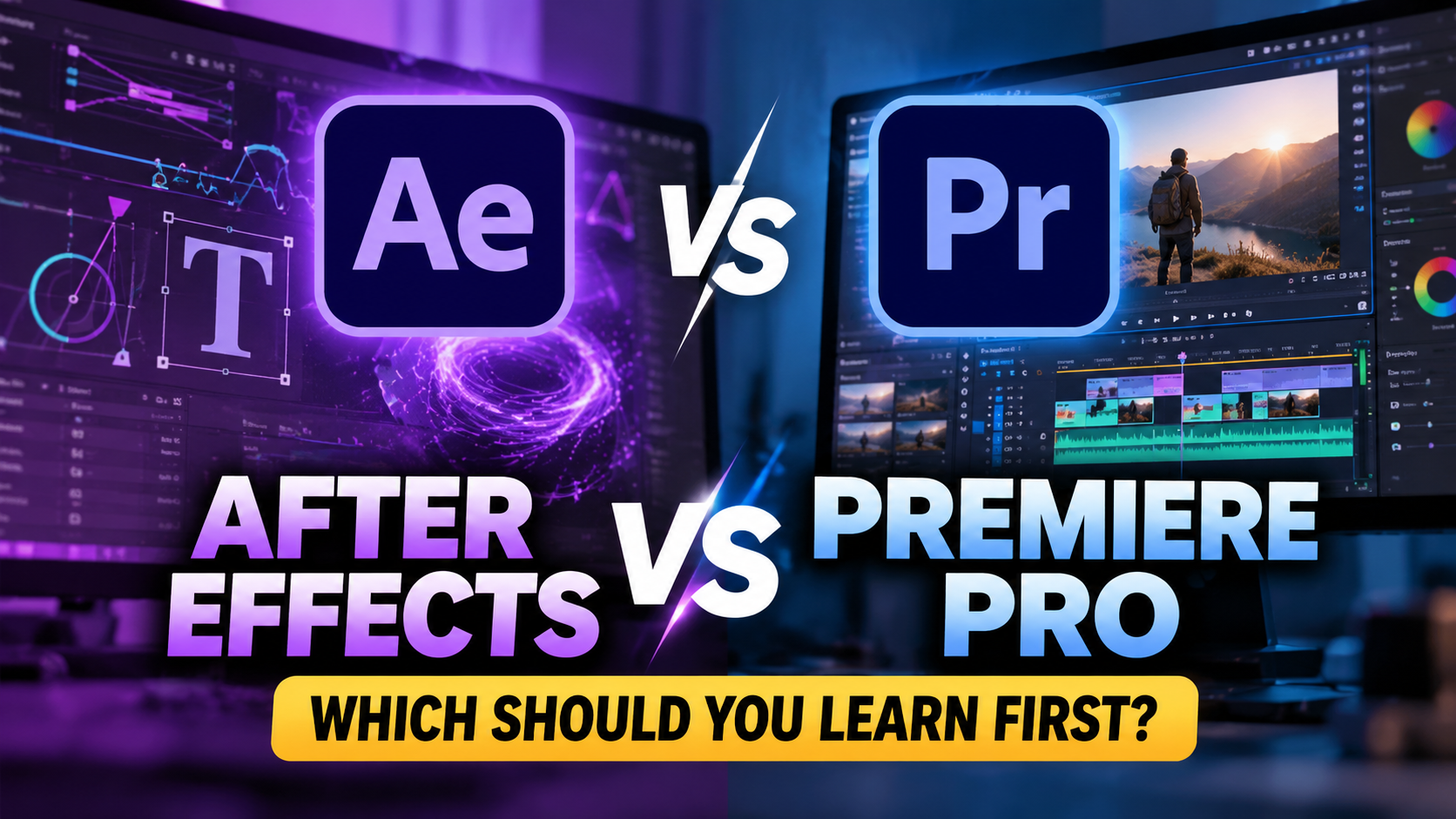
If you’re planning to become a professional video editor, you’ve probably come across two popular Adobe applications: Premiere Pro and After Effects.
Both are widely used in the creative industry, but they serve different purposes. Premiere Pro focuses primarily on editing video footage, while After Effects specializes in motion graphics, animation, and visual effects.
Many beginners wonder which software they should learn first. Should you start with Premiere Pro, jump directly into After Effects, or learn both together? The answer depends on your goals, but understanding their differences will help you choose the right learning path.
What Is Adobe Premiere Pro?
Adobe Premiere Pro is professional video editing software used to transform raw footage into finished videos. It allows editors to arrange clips, remove unwanted scenes, synchronize audio, add music, correct colors, create subtitles, and export videos for different platforms.
Premiere Pro is ideal for:
- YouTube videos and vlogs
- Instagram Reels and YouTube Shorts
- Wedding films and event highlights
- Corporate videos and advertisements
- Documentaries and interviews
- Educational and promotional content
For example, imagine you’ve recorded a 20-minute YouTube video. You can use Premiere Pro to remove mistakes, improve pacing, add background music, insert titles, balance audio, and prepare the final video for publication.
What Is Adobe After Effects?
Adobe After Effects is designed for motion graphics, animation, compositing, and visual effects. It gives creators greater control over animated text, graphic elements, tracking, compositing, and effects that would be difficult or time-consuming to produce using a standard editing timeline.
After Effects is ideal for:
- Animated logos and brand introductions
- Motion typography and kinetic text
- Explainer video animations
- Visual effects and compositing
- Animated infographics
- Screen replacements and tracking effects
- Advanced title sequences
For example, if a client wants an animated logo that transforms into a product advertisement, After Effects can help you create the animation and visual effects.
Premiere Pro vs After Effects: Key Differences
| Feature | Premiere Pro | After Effects |
| Primary purpose | Video editing | Motion graphics and visual effects |
| Timeline workflow | Editing multiple clips | Animating layers and properties |
| Best for | Complete video production | Animated and composited visuals |
| Audio editing | General editing and mixing | Limited compared with a dedicated editing workflow |
| Text | Titles and subtitles | Advanced animated typography |
| Effects | Editing effects and color tools | Detailed animation and compositing |
| Typical output | Finished videos | Animated elements, effects, and compositions |
Both applications can perform overlapping tasks, but each has strengths that make it more suitable for particular projects.
Which Software Should Beginners Learn First?
For most beginners who want to work as video editors, Premiere Pro is a practical starting point.
- Learn the fundamentals of editing: cutting, trimming, pacing, storytelling, audio synchronization, and timeline management.
- Create complete projects, starting with short-form videos, YouTube edits, product promotions, and cinematic montages.
- Develop a reliable workflow for media organization, project settings, export formats, and delivery requirements.
- Move into motion graphics by learning After Effects once you understand editing fundamentals.
If your primary goal is motion design or visual effects, starting with After Effects can also make sense.
Why Professional Editors Learn Both
Knowing both applications allows you to handle a wider range of creative projects. For a product promotion, you might assemble footage and refine pacing in Premiere Pro, animate the logo and product callouts in After Effects, then return to Premiere Pro to finalize audio, color, and delivery.
Career Opportunities
- Video editor
- Motion graphics designer
- Social media video editor
- Advertising video editor
- YouTube content editor
- Visual effects artist
- Multimedia designer
- Freelance video creator
Your opportunities will depend on the quality of your portfolio, practical experience, storytelling ability, and the specific skills employers or clients require.
Common Mistakes Beginners Should Avoid
- Trying to master every effect before learning editing fundamentals.
- Downloading templates without understanding how they work.
- Ignoring audio quality and storytelling.
- Learning software without completing practical projects.
- Assuming software knowledge alone guarantees a job.
Software is a tool. Your ability to solve creative problems and deliver quality work is what makes that tool valuable.
Learn Video Editing with Plan At B
At Plan At B, we believe learning creative software should lead to practical skills, not just familiarity with its interface. Our training approach focuses on hands-on projects, professional workflows, and the development of an industry-ready portfolio.
Final Thoughts
Premiere Pro and After Effects are complementary tools designed for different parts of the creative process. Start with the application that matches your immediate goal, practise consistently, and gradually expand your skills.
Ready to begin your video editing journey? Explore Plan At B and take your first step toward creating professional-quality videos.