Introduction
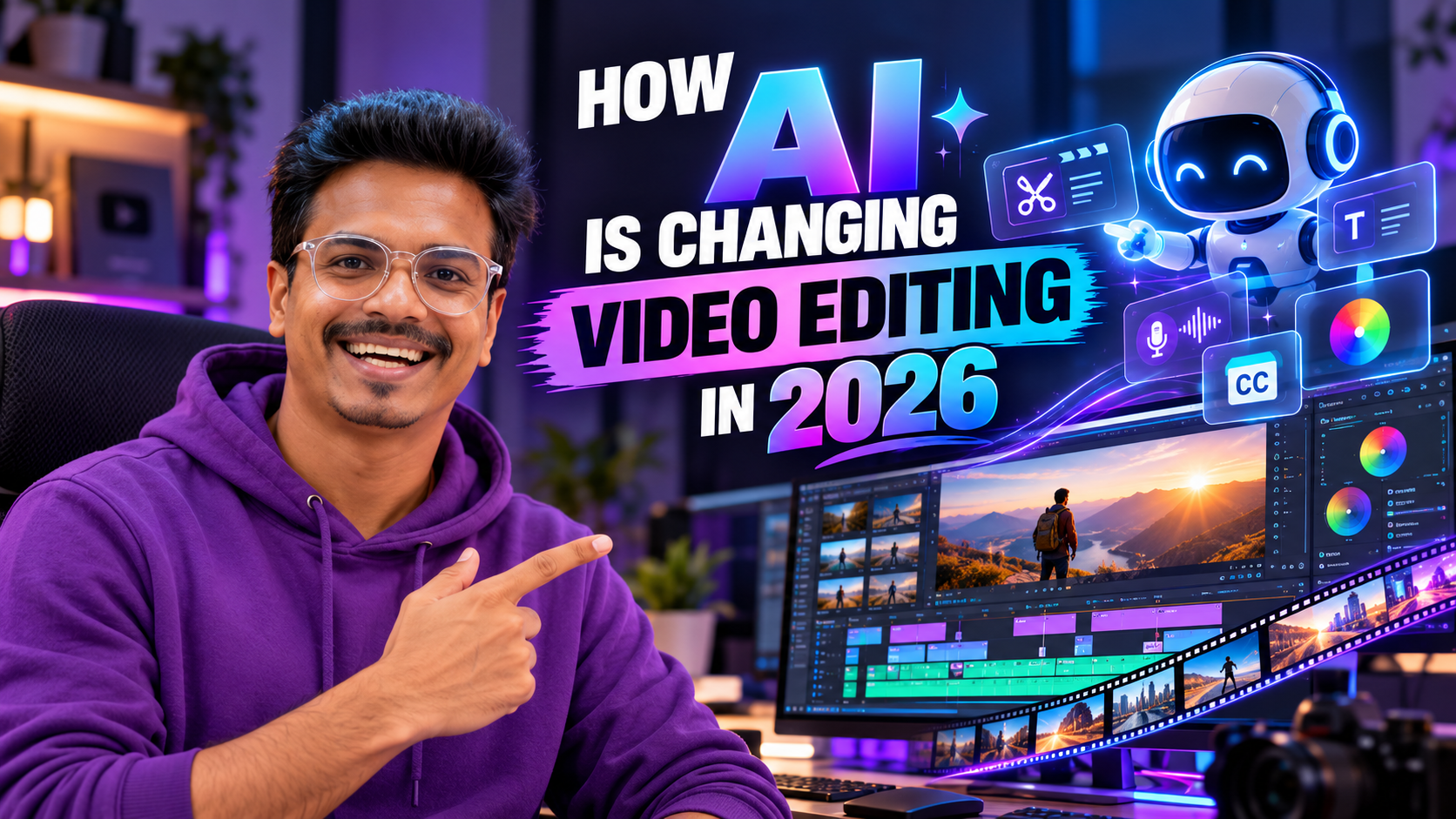
Artificial intelligence is changing the way creators plan, edit, and publish videos. Tasks that once required significant manual effort, such as generating subtitles, reducing background noise, identifying useful footage, and creating initial edits, can now be assisted by AI-powered tools.
For video editors, this creates opportunities to spend less time on repetitive work and more time focusing on storytelling, creative decisions, and the quality of the final video. AI is not a replacement for every editing skill, however. Understanding how to use these tools effectively is becoming an important part of a modern workflow.
1. Automatic Captions and Subtitles
AI-powered transcription tools can generate an initial subtitle track from spoken audio. Editors should review the text, correct transcription errors, adjust timing, and style captions. Review carefully when a video includes regional accents, Telugu-English code-switching, technical terms, or background noise.
2. Faster Audio Cleanup
AI-assisted audio tools can help reduce certain types of background noise, improve speech clarity, and separate some unwanted sounds. These tools are useful for interviews, podcasts, tutorials, and videos recorded outside a studio, but heavily damaged recordings may still require manual correction.
3. Smarter Footage Selection
Some tools can analyze transcripts, identify speech segments, or help locate useful moments in large collections of footage. Editors still need to decide which moments are relevant and whether the story preserves the intended meaning.
4. AI-Assisted Background Removal
AI-assisted subject selection and background removal can simplify some tasks, particularly when footage has suitable lighting and clear separation between subject and background. Complex hair, motion blur, transparent objects, and rapid movement may still need manual refinement.
5. Faster Editing With Transcripts
Transcript-based workflows can help editors find a sentence, identify a section, or remove selected words from long recordings. The resulting edit still needs visual review because removing words can affect timing, continuity, expressions, and conversational flow.
6. AI-Assisted Color and Visual Adjustments
AI features can assist with masking subjects, selecting image areas, matching visual characteristics, and applying adjustments. Good color grading still requires an understanding of exposure, contrast, skin tones, color relationships, and visual consistency.
7. Generative AI for Creative Production
Generative AI tools can help creators explore visual concepts, produce certain types of synthetic imagery or footage, and develop ideas. Consider commercial usage rights, consent, disclosure requirements, and the risk of misleading imagery.
8. Faster Video Repurposing
AI-assisted clipping, transcription, reframing, and caption generation can speed up adaptation of long-form videos into Reels, Shorts, promotional clips, educational snippets, and advertisements. Editors still need to preserve context and ensure each version suits its audience.
Will AI Replace Video Editors?
AI can automate or accelerate specific tasks, but producing an effective video involves more than operating software. Editors need to understand audience expectations, storytelling, emotional pacing, visual continuity, music, brand identity, and creative direction. They also interpret briefs, make decisions when requirements are unclear, and revise work based on feedback.
Skills Video Editors Should Develop in 2026
- Editing fundamentals: cuts, pacing, storytelling, and continuity.
- Audio skills: dialogue clarity, music balance, and sound design.
- Color correction: exposure, white balance, and consistent visuals.
- Motion graphics: animated text, titles, and visual elements.
- AI-assisted workflows: captions, transcription, cleanup, and repetitive tasks.
- Creative judgment: knowing which suggestions to accept, revise, or reject.
- Client communication: understanding requirements and delivering appropriate results.
Build Future-Ready Editing Skills With Plan At B
At Plan At B, our training approach emphasizes practical editing skills, hands-on assignments, and the development of an industry-ready portfolio. Learning applications such as Adobe Premiere Pro and After Effects, alongside relevant AI-assisted techniques, can help you understand traditional workflows and newer creative possibilities.
Final Thoughts
AI is making many video editing tasks faster and more accessible, but it doesn’t remove the need for creativity, technical understanding, and quality control. Learn how to use it to create better videos, improve your workflow, and solve real editing problems.