Introduction
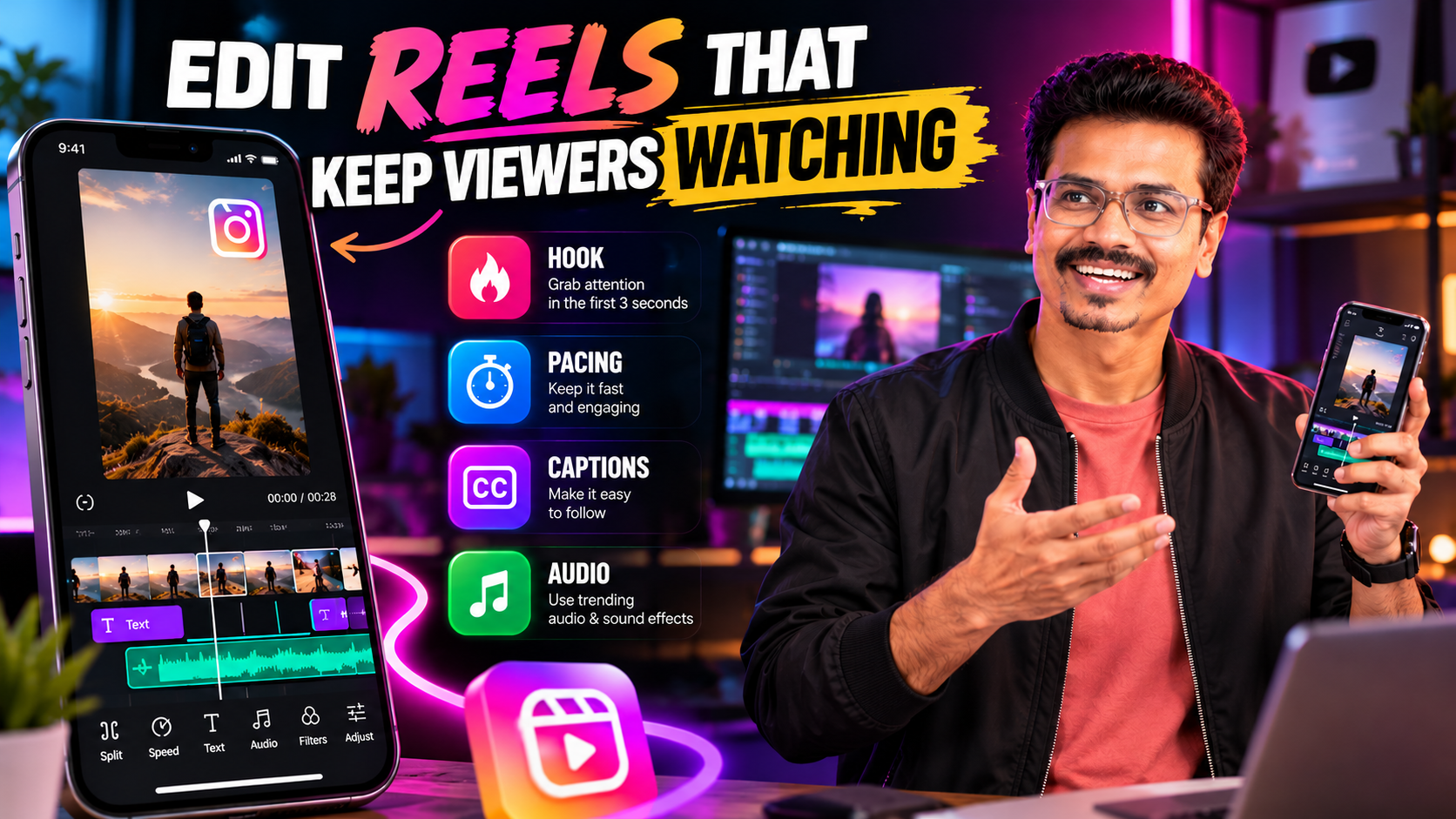
Short-form videos have become an important format for creators, brands, educators, and businesses. Instagram Reels allow people to share tutorials, product demonstrations, entertaining moments, behind-the-scenes footage, and promotional content in a compact format.
Creating a good Reel involves more than placing clips together and adding trending music. The editing should help viewers understand the message quickly, stay interested, and follow the content without unnecessary distractions.
1. Start With a Clear Hook
The opening moments establish what a Reel is about and why someone might continue watching. Begin with a relevant question, compelling visual, useful result, or clear statement. The opening should accurately represent the content that follows.
2. Remove Unnecessary Pauses
Review the footage and remove sections that do not support the message. Do not automatically cut every pause; brief silence can emphasize a statement or let viewers absorb information. Aim for purposeful pacing, not constant movement.
3. Use the Correct Aspect Ratio
Reels are designed primarily for vertical viewing. A common editing canvas is 9:16, often exported at 1080 × 1920 pixels. Check that the subject remains visible and keep important text away from interface elements. Review the final video on a phone.
4. Add Readable Captions
Use a clear font, strong contrast, manageable phrases, accurate spelling, and well-timed captions. Keep text away from important visual details. Animated captions can emphasize key words, but excessive animation can distract viewers.
5. Match the Editing Style to the Content
Educational Reels benefit from clear cuts and simple graphics; fitness Reels may use movement and purposeful pacing; product Reels should highlight details and benefits; cinematic Reels rely on shot selection and sound design; comedy relies on timing and reactions.
6. Use Music and Sound Effects Carefully
Choose music that suits the subject and balance it against dialogue. Sound effects can emphasize actions when appropriate. Confirm that music and other assets are permitted for the intended use, particularly in commercial advertising.
7. Create Visual Variety
Combine wide shots, medium shots, close-ups, and relevant details where footage allows. Screen recordings, supporting footage, simple graphics, and visual demonstrations can add variety when they help explain the content.
8. Use Transitions With Purpose
Transitions can connect scenes or emphasize movement, but elaborate transitions are not necessary between every shot. Clean cuts are often more effective for tutorials and informational videos.
9. Correct Colors and Improve Image Quality
Correct exposure, white balance, and major color differences between shots before applying a creative look. Avoid excessive sharpening, saturation, or contrast.
10. Export and Review Before Publishing
Check vertical framing, dialogue clarity, music balance, captions, cuts, colors, black bars, visual glitches, resolution, and compression. Watch the entire exported file rather than relying only on the editing preview.
A Simple Instagram Reels Editing Workflow
- Organize your footage and select clips that support the video’s purpose.
- Create the rough cut by arranging the main points and removing unnecessary sections.
- Refine pacing, timing, transitions, and visual continuity.
- Add captions and graphics without overcrowding the screen.
- Polish the audio and color.
- Export and review on a mobile device before publishing.
Can You Make Money Editing Reels?
Short-form video editing can be offered as a freelance service to creators, agencies, and businesses that regularly publish vertical content. Services may include editing supplied footage, adding captions, creating branded templates, producing product clips, and repurposing long videos. Opportunities depend on demand, editing quality, client relationships, project scope, and consistent delivery.
Learn Social Media Video Editing With Plan At B
Plan At B encourages students to learn by creating practical projects rather than relying only on tutorials. Practising short-form editing, captions, sound design, pacing, and export workflows can help you build portfolio samples that demonstrate your skills.
Final Thoughts
A compelling Reel doesn’t require dozens of transitions or complicated visual effects. Start with a clear idea, remove distractions, use readable captions, balance the sound, and ensure every edit serves the content.