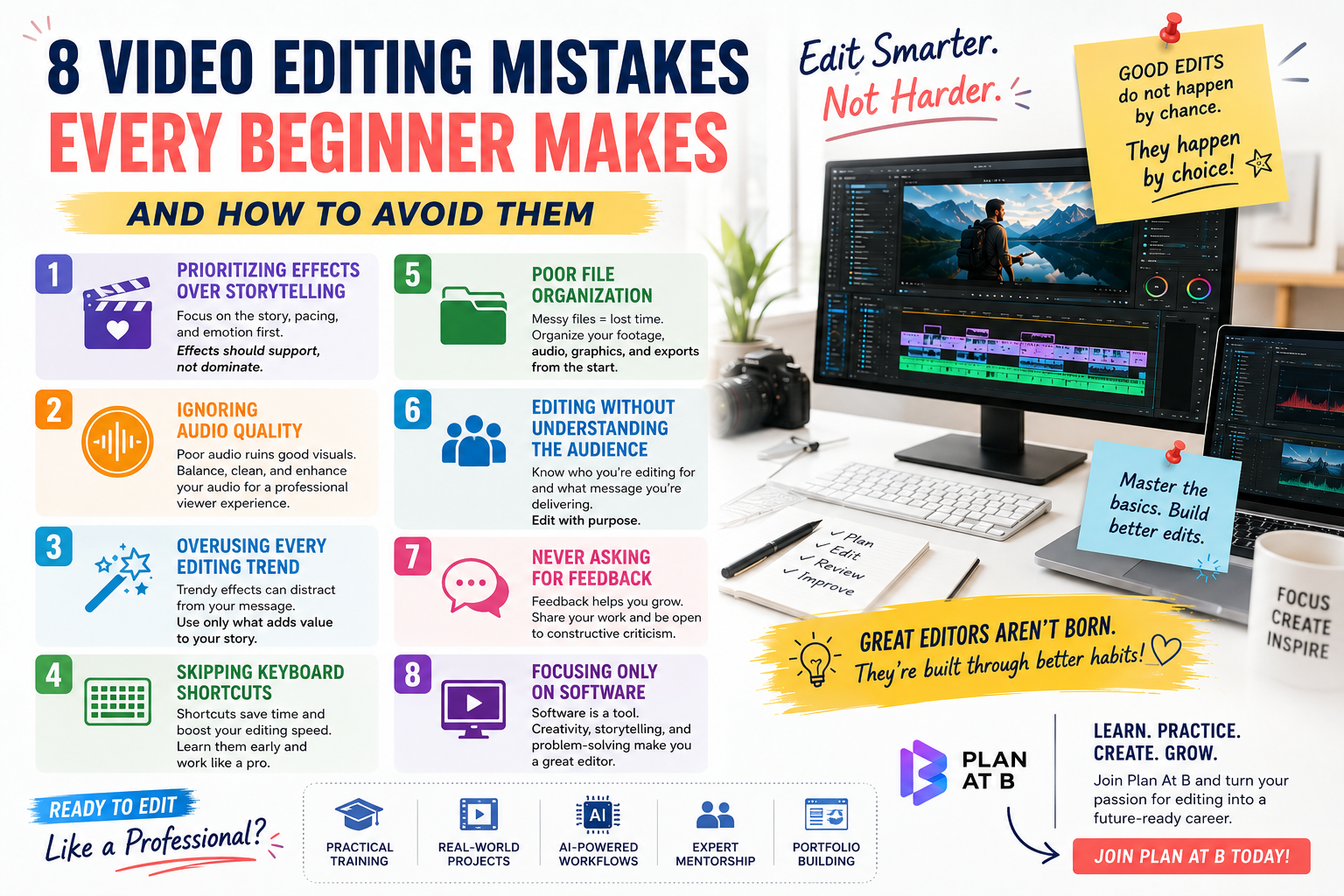
Every year, thousands of aspiring video editors download editing software, watch a few YouTube tutorials, and believe they’re ready to take on clients. While enthusiasm is a great starting point, experience tells a different story.
After observing countless beginner editors, one thing becomes clear—the same mistakes keep repeating year after year. The good news? Most of them are completely avoidable.
Whether you’re learning to edit for freelancing, content creation, or a full-time career, avoiding these common mistakes can help you improve faster and build a professional reputation from day one.
1. Prioritizing Effects Over Storytelling
One of the biggest mistakes beginners make is assuming that flashy transitions, motion graphics, and visual effects automatically create a great video.
In reality, editing is about storytelling.
Professional editors focus on pacing, emotion, and clarity before adding effects. A simple cut placed at the right moment is often more powerful than ten trendy transitions.
Remember: If your audience notices every transition instead of the story, the edit probably isn’t working.
2. Ignoring Audio Quality
Many beginners spend hours perfecting visuals while completely overlooking audio.
Poor audio instantly makes even high-quality footage feel unprofessional. Background noise, inconsistent volume levels, harsh cuts, or missing sound effects can ruin the viewer’s experience.
Professional editors always:
- Balance dialogue levels
- Remove unwanted noise
- Add clean background music
- Use sound effects naturally
- Check audio using headphones before exporting
Great editing isn’t just about what people see—it’s also about what they hear.
3. Overusing Every Editing Trend
Speed ramps. Zooms. Glitch effects. Flash frames. AI transitions.
Just because an effect is trending doesn’t mean it belongs in every project.
New editors often overload videos with trendy effects, making them feel distracting rather than engaging.
Instead, ask yourself one simple question:
Does this effect improve the story, or is it just there because it looks cool?
If it doesn’t add value, leave it out.
4. Skipping Keyboard Shortcuts
Editing entirely with a mouse slows everything down.
Professional editors rely heavily on keyboard shortcuts because they save hours over the course of a project.
Learning shortcuts for cutting clips, ripple deleting, playback controls, zooming, and trimming may feel tedious at first, but they dramatically increase editing speed and efficiency.
The sooner you master them, the faster you’ll work.
5. Poor File Organization
Nothing kills productivity like searching through dozens of randomly named files.
Many beginners keep footage, music, graphics, exports, and project files in one messy folder.
Professional editors organize everything before they even start editing.
A clean folder structure might include:
- Footage
- Audio
- Music
- Graphics
- Project Files
- Exports
Good organization prevents missing files and makes revisions much easier.
6. Editing Without Understanding the Audience
Every video has a purpose.
A wedding film shouldn’t feel like a gaming montage.
A corporate advertisement shouldn’t look like a meme compilation.
Before editing, ask:
- Who is watching?
- What platform is this for?
- What action should viewers take after watching?
Understanding the audience helps you choose the right pacing, music, text style, and overall editing approach.
7. Never Asking for Feedback
Many beginners export a project and immediately move on without seeking constructive criticism.
Professional growth comes from feedback.
Share your edits with mentors, experienced editors, or trusted creators. Fresh perspectives often reveal pacing issues, awkward cuts, or storytelling gaps that you may have missed.
Learning to accept feedback without taking it personally is one of the fastest ways to improve.
8. Focusing Only on Software
Many aspiring editors ask,
“Should I learn Premiere Pro? DaVinci Resolve? Final Cut Pro? CapCut?”
The truth is, software is just a tool.
Clients hire editors for creativity, storytelling, timing, and problem-solving—not because they know every button in a program.
Master the fundamentals first. Learning a new editing software later becomes much easier.
Final Thoughts
Every professional editor was once a beginner.
The difference isn’t talent—it’s consistency, curiosity, and the willingness to keep improving.
Avoiding these common mistakes won’t make you an expert overnight, but it will help you build stronger editing habits, deliver better projects, and stand out in a competitive industry.
The best editors aren’t the ones using the most effects. They’re the ones who make viewers forget they’re watching an edited video at all.
Ready to Edit Like a Professional?
At Plan At B, we don’t just teach software—we teach the creative thinking, storytelling, workflow, and industry practices that professional editors use every day.
Whether you’re starting from scratch or looking to sharpen your skills, our practical, project-based training helps you build confidence, create an impressive portfolio, and prepare for real client work.
Stop making beginner mistakes. Start editing with purpose.
Join Plan At B today and take the first step toward becoming a skilled, confident, and job-ready video editor.